Computing/Networks
09 Jun, 2019
By
Dave Webber
Windows 10 SMB Guest Access - required for FreeNAS
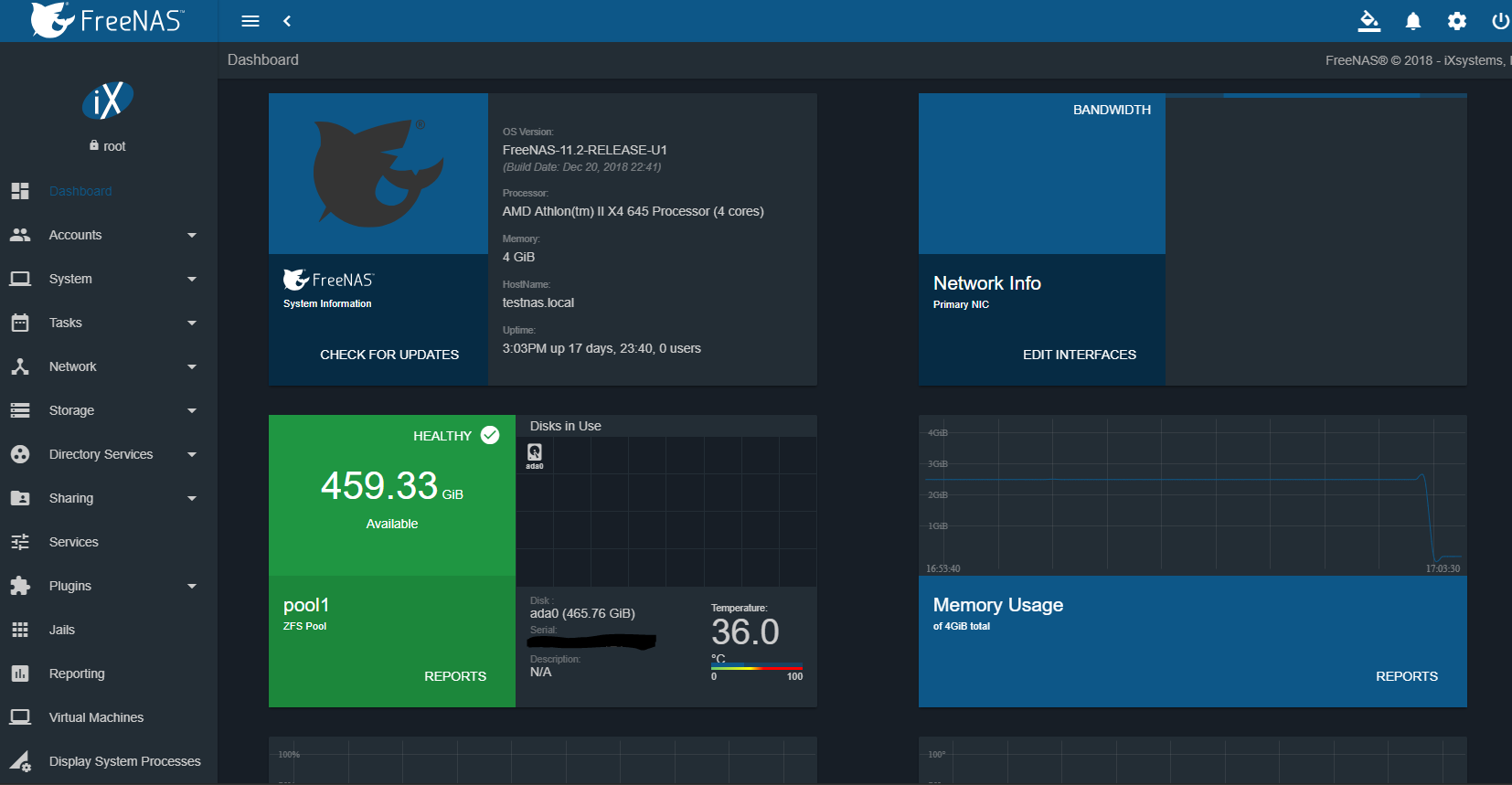
This weekend I discoverd an issue with my FreeNAS box which I have upgraded to version 11 and file shares on the windows 10 platform. The issue I had was I was unable to create the share without any username and password being required.
The fix that I discovered involves an edit to the Windows 10 Registry to allow guest access in SMB2, which is by default disabled. I don't feel the need to set a username and password for the SMB2 share on FreeNAS so I edited the Windows 10 registry to allow guest access.
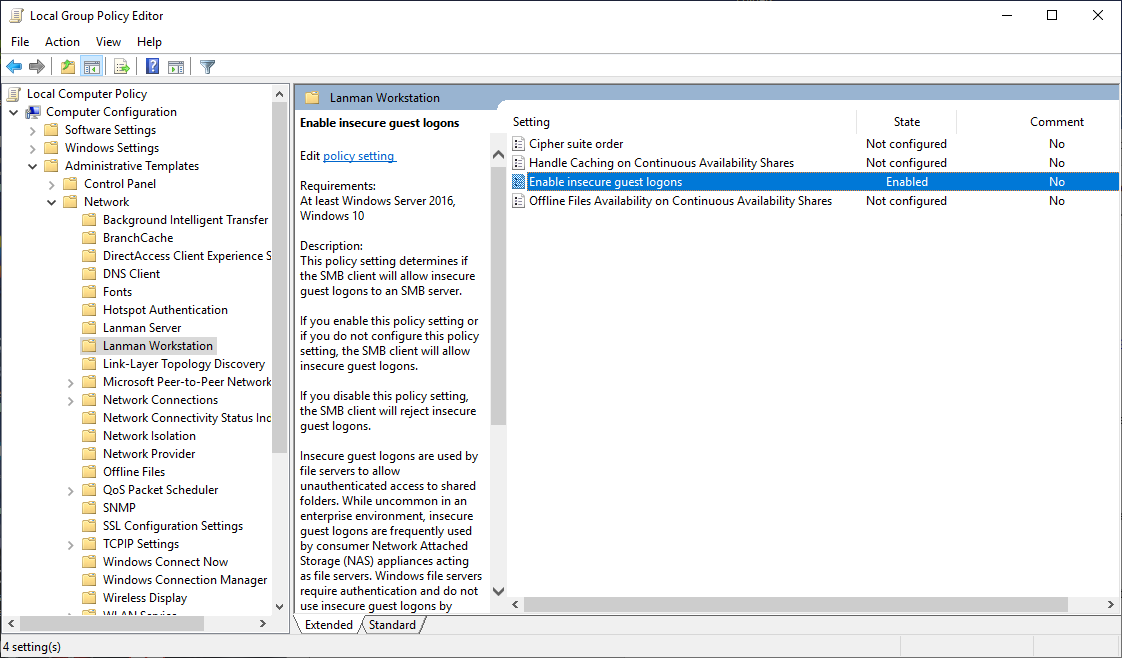
There are multiple ways to launch Group Policy Editor, the method that I use tends to be to click in the search box on the home screen and type "gpedit" there should be one app show up and select this.
- Within Computer Configuration select 'Administrative Templates'
- Select 'Network'
- Select 'Lanman Workstation'
- Double click 'Enable insecure guest logons'
- Tick the 'Enable' Option
- Select OK and you should have a similar view to below.
Share with your friends
Login Required
Loading login form...